GKE BAckup and Restore
Apply for “Backup for GKE Admin” role in PAM: https://console.cloud.google.com/iam-admin/pam/entitlements/my?referrer=search&project=ems-gap-s-us1-01
Go to “Backup for GKE” page https://console.cloud.google.com/kubernetes/backups/restores?project=ems-gap-s-us1-01 and select the backup you want to restore from the list. Click on the “Restore” next to the restore plan you want to use.

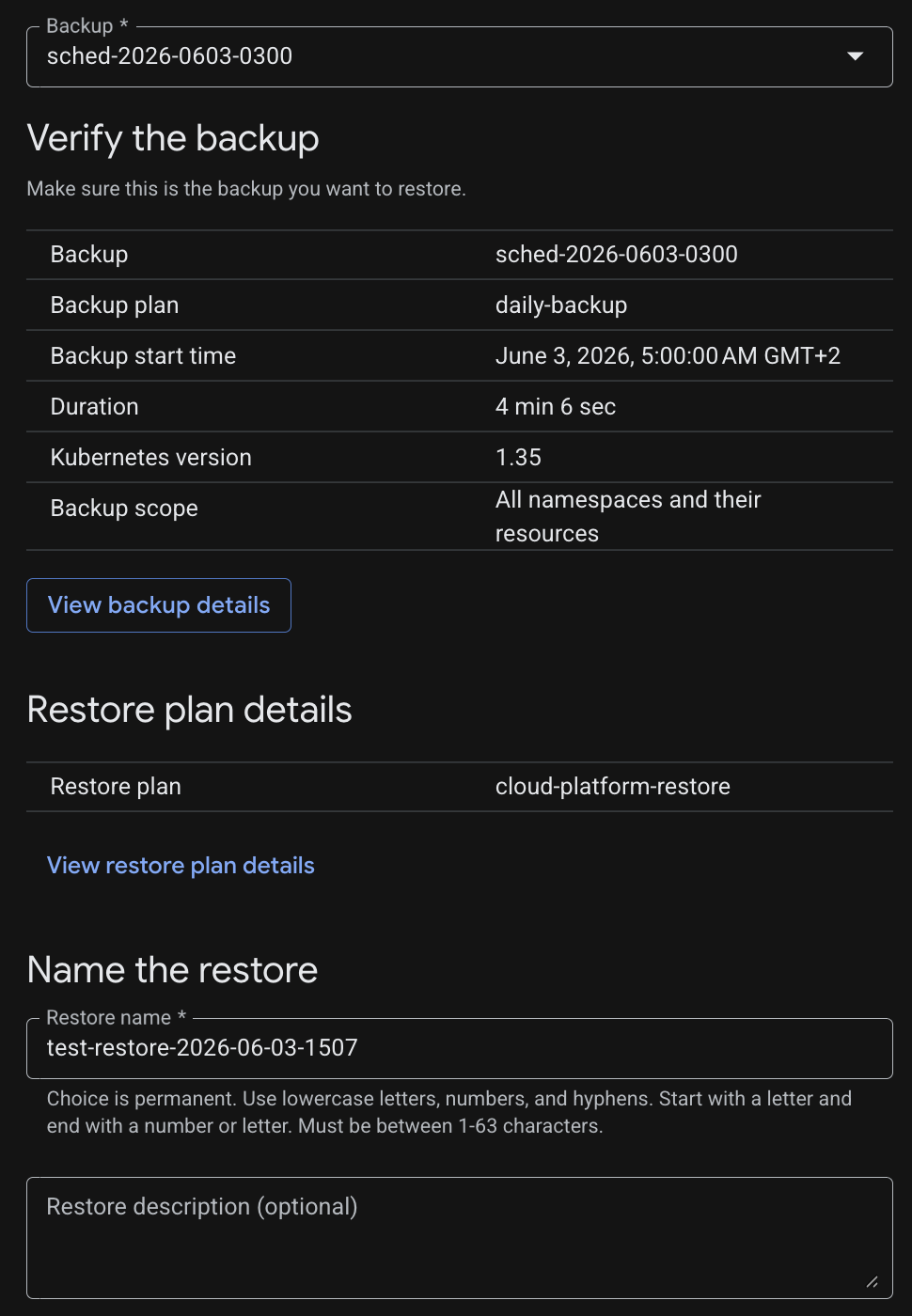
Restore configuration Select the backup you want to restore from the list and give it a unique name, eg.: `test-restore-2026-06-03-1507
With “Show Advanced Options” it is possible to add Policy overrides, inclusion and exclusion filters.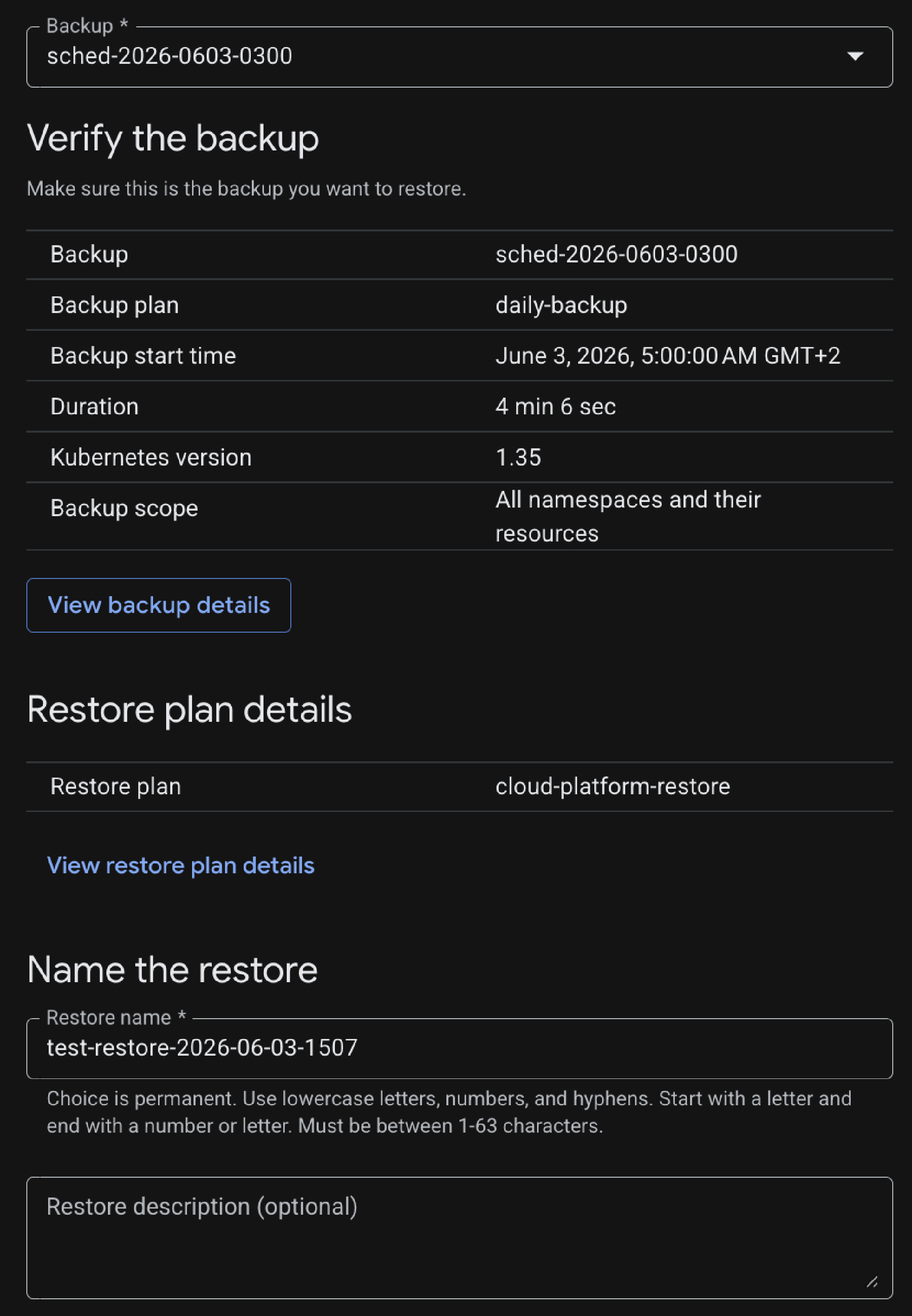
Restore configuration Click “Restore” to start the restoration process. You can monitor the progress of the restoration in the “Restores” page. Once the restoration is complete, you can access your restored cluster and verify that everything is working as expected.